
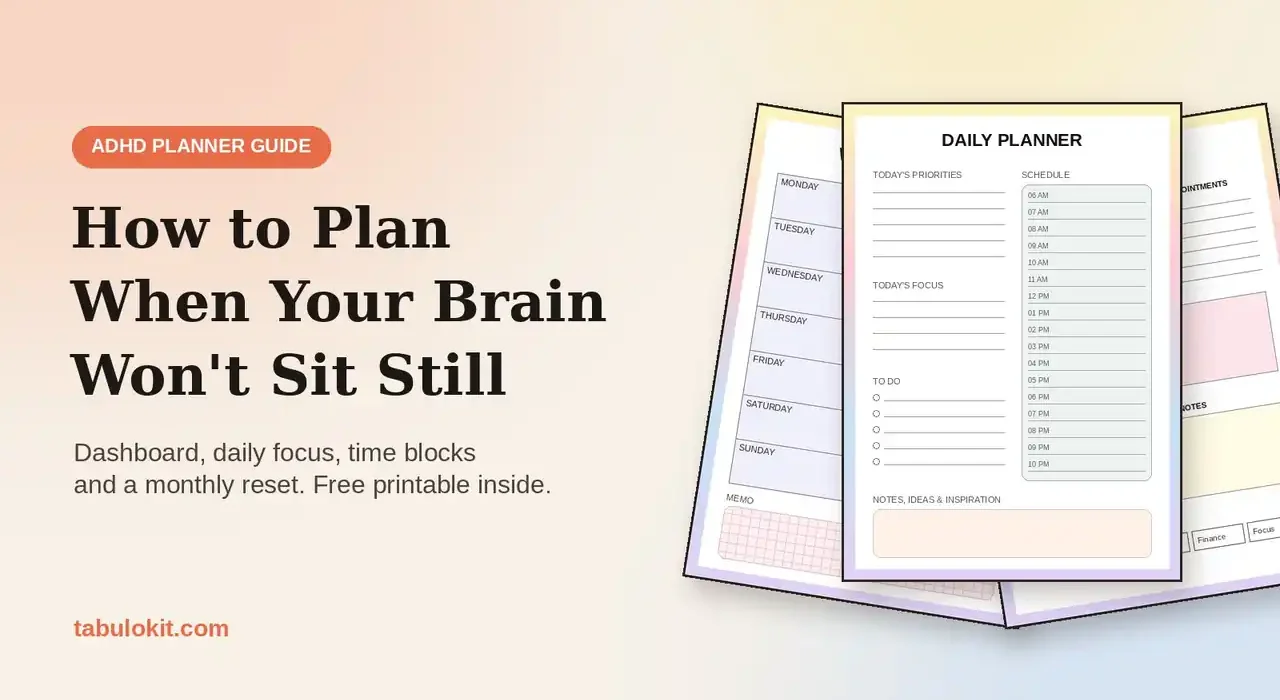
You buy a beautiful planner in January. You fill in the first week with real enthusiasm. By February it is buried under a pile of mail, and the only thing you remember writing is a to-do list with 23 items on it. If that sounds familiar, the problem is not you. Most planners are designed for brains that like long lists, fixed routines and daily check-ins. An ADHD planner works differently: fewer boxes, clearer priorities, time you can actually see, and a system that forgives the days you forget to open it.
This guide walks you through a simple method to plan with ADHD, one layer at a time: a home base for everything in your head, a year you can see on one page, a month with only five priorities, a loose weekly plan, a focused daily page, simple trackers for habits, mood and bills, and a monthly reset. You can follow it with any notebook. We will use pages from a printable ADHD planner as examples, and you can download the free printable version further down.
A quick note: this is a practical organizing guide, not medical advice. A planner is a tool that can make daily life easier; it does not replace support from a doctor, therapist or ADHD coach.
Why most planners fail ADHD brains (and what works instead)
Traditional planners quietly assume three things: that you will open them every day, that you can estimate how long tasks take, and that a long list motivates you. For many people with ADHD, none of these is true. The result is the familiar cycle: a burst of motivation, a few perfect pages, then guilt and an abandoned notebook.
A planner that works for an ADHD brain follows a few different rules:
- One capture spot. Ideas, appointments and “don’t forget” notes go to one page, so your brain can stop holding them.
- Visible time. Time blindness makes the future feel abstract. Seeing the year, the month and the hours of the day on paper makes it concrete.
- Tiny priority lists. Three priorities a day and five a month. Everything else is optional.
- Low friction. Pages you can fill in two minutes, not twenty.
- Built-in resets. A missed week is not a failure. A monthly reflection page gives you a clean restart.
The steps below follow exactly that logic, from the big picture down to today.
Step 1: Build one home base for everything floating in your head
Start with a dashboard page: a single page you return to every time you open the planner. Its job is to catch what your working memory keeps dropping. Split it into a few clear boxes:
- Short-term to-dos: things for the next few days.
- Long-term to-dos: things that matter but are not urgent (renew the passport, book the dentist).
- Upcoming appointments and meetings: a numbered list so nothing hides in a text message.
- Remember: the facts you keep looking up, like a parking spot, a code or a name.
- Quick notes: a free space for the thought that pops up mid-task.
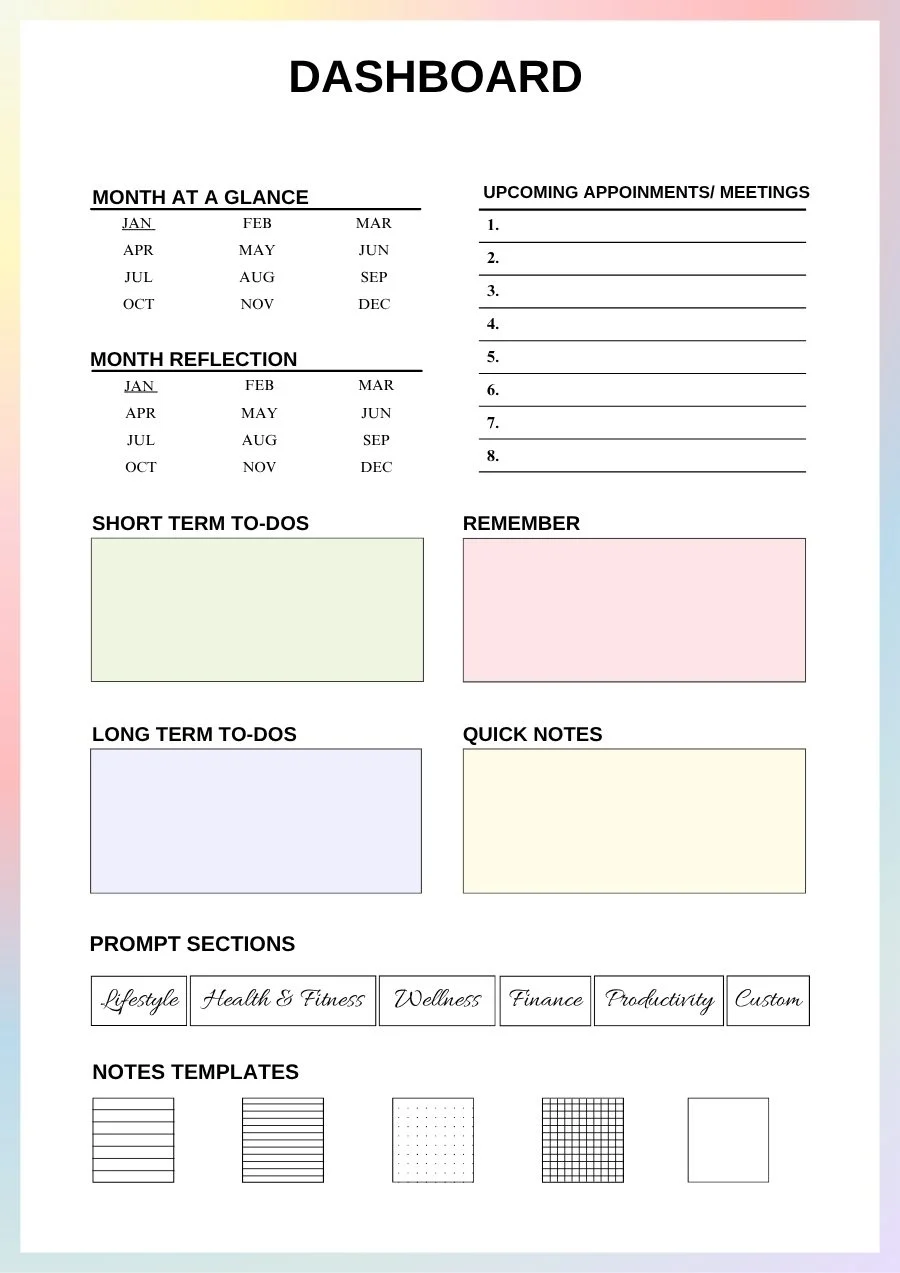

The trick is to do a brain dump first, on a blank page, without sorting: every task, worry, idea and errand, for ten minutes. Then move only the useful items to the dashboard boxes. Sorting comes second, never first. During the day, when a thought interrupts you, write it in “Quick notes” and go back to what you were doing. You will lose far fewer ideas, and you will get distracted less by trying to hold on to them.
Quick win: put a colored tab or a paper clip on your dashboard so you can open it in one second. The faster you reach it, the more you will use it.
Step 2: Make time visible with a year-at-a-glance page
Many people with ADHD describe time as “now” and “not now”. Deadlines three months away feel unreal until they are suddenly tomorrow. A year-at-a-glance page is the simplest fix: all twelve months on one page, with week numbers, so you can see how much time really sits between today and that deadline.
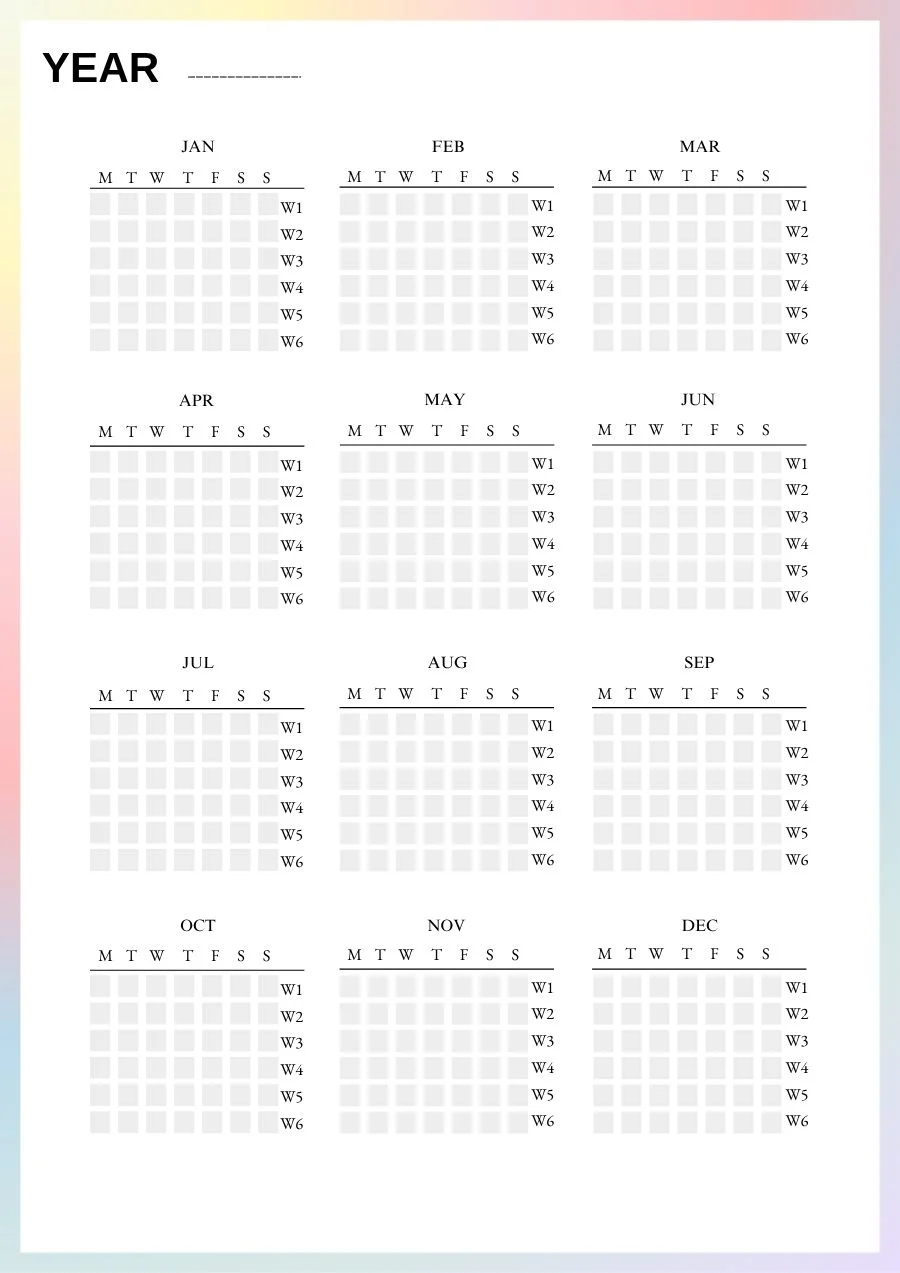
Use it for only a few things:
- Birthdays, holidays and trips (one color).
- Hard deadlines: taxes, renewals, exams, project launches (another color).
- A dot on each week you want to protect as a “light week” with fewer commitments.
Resist the urge to fill every day. The goal is a calm overview you can scan in ten seconds, not another list to maintain.
Step 3: Pick five monthly priorities, not twenty-five
The monthly page is where overwhelm usually starts, because it is tempting to write down everything you want to change. Instead, give yourself a hard limit: five priorities for the month. If a sixth one appears, one of the five has to leave.
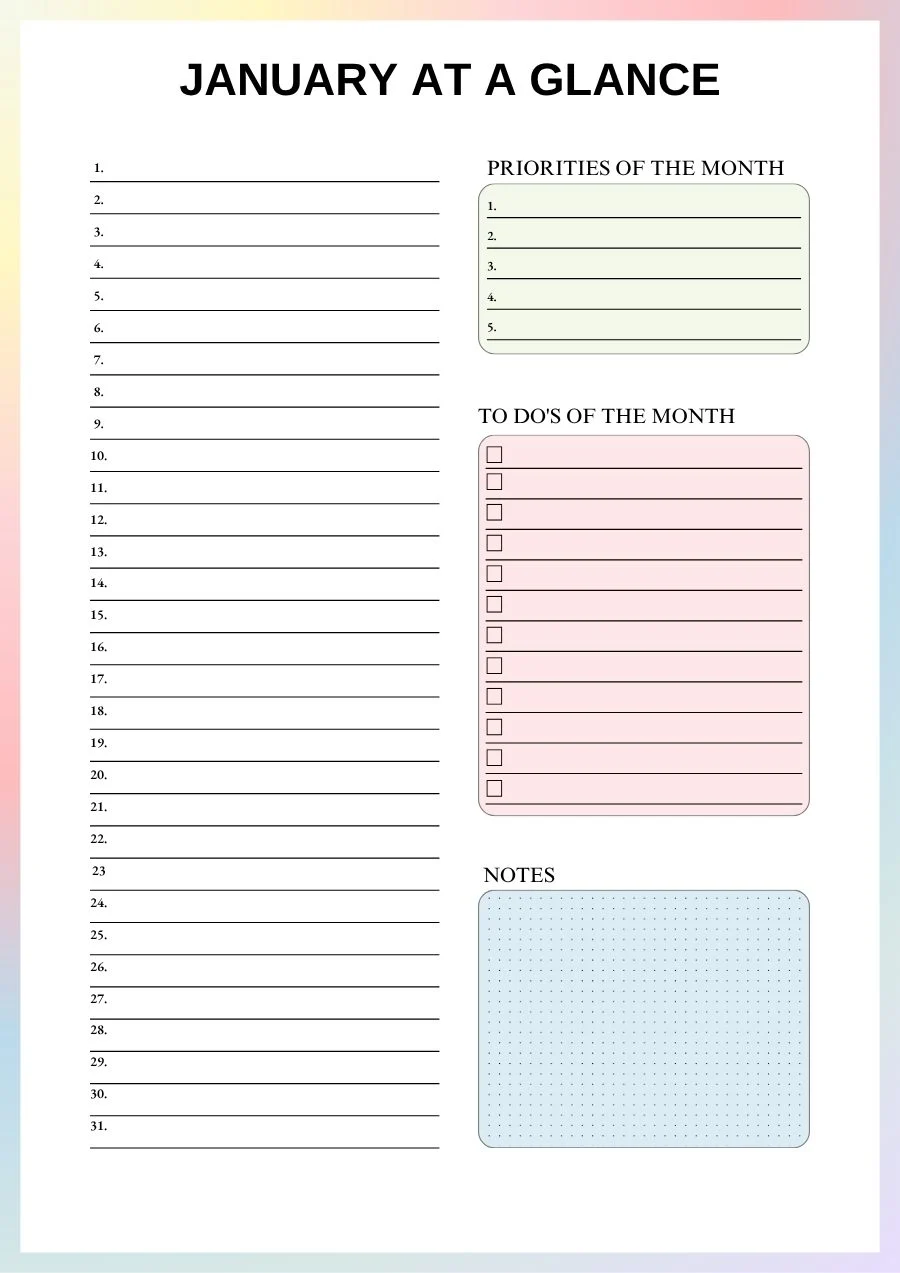
A good month-at-a-glance layout has three zones:
| Zone | What to write | Example |
|---|---|---|
| Day lines (1 to 31) | One short note per day: an appointment or a deadline | 12: dentist 3 PM |
| Priorities of the month | Five outcomes, not tasks | Car serviced, tax file sent |
| To-dos of the month | Small actions that serve those priorities | Call the garage, find last year’s forms |
Write priorities as finished results (“tax file sent”) rather than vague intentions (“deal with taxes”). A result you can tick off gives your brain the dopamine hit that keeps you coming back.
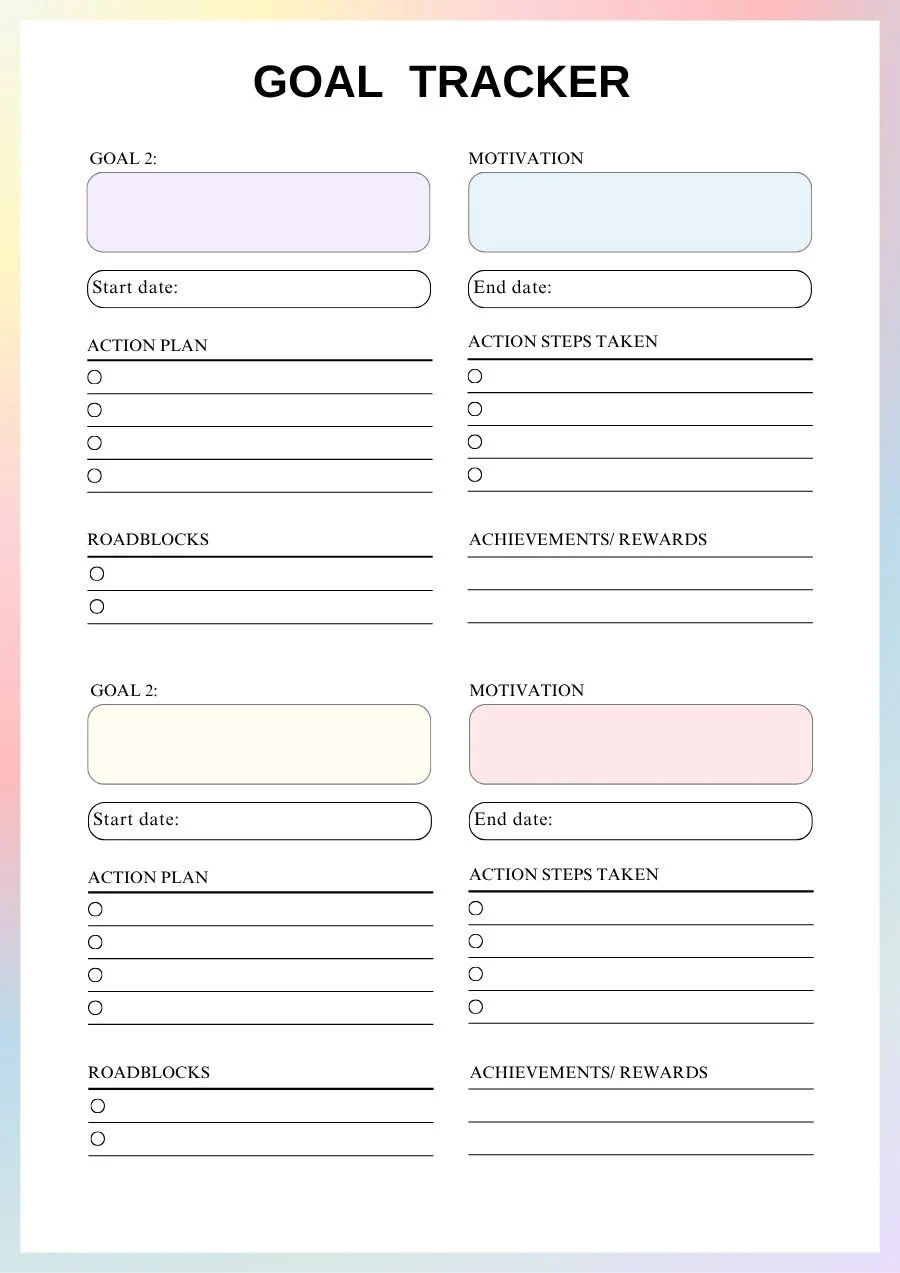
For the one or two priorities that really matter, use a goal tracker: write down why it matters (motivation), three or four small actions, the roadblocks you can already predict (“I avoid phone calls”) and a reward for when it is done. Naming the roadblock in advance and planning a reward are two of the most effective tricks for ADHD motivation.
- 51 printable pages, US Letter PDF
- Dashboard, year + 12 full months
- Instant download, no spam
Get the free 51-page ADHD planner
The full planner from this guide: a dashboard, a year overview and all 12 months, each with a monthly plan, a weekly plan, a daily page and a reflection page. Print it and start today.
Step 4: Plan the week loosely and leave white space
The weekly planner is your bridge between the month and the day. Once a week, ideally at the same time (Sunday evening or Monday morning), spend ten minutes on it:
- Copy this week’s appointments from the month page.
- Pick one or two tasks from your monthly to-do list and place them on a day.
- Leave at least one day almost empty. Things always take longer than planned, and that empty space is where the week catches up.
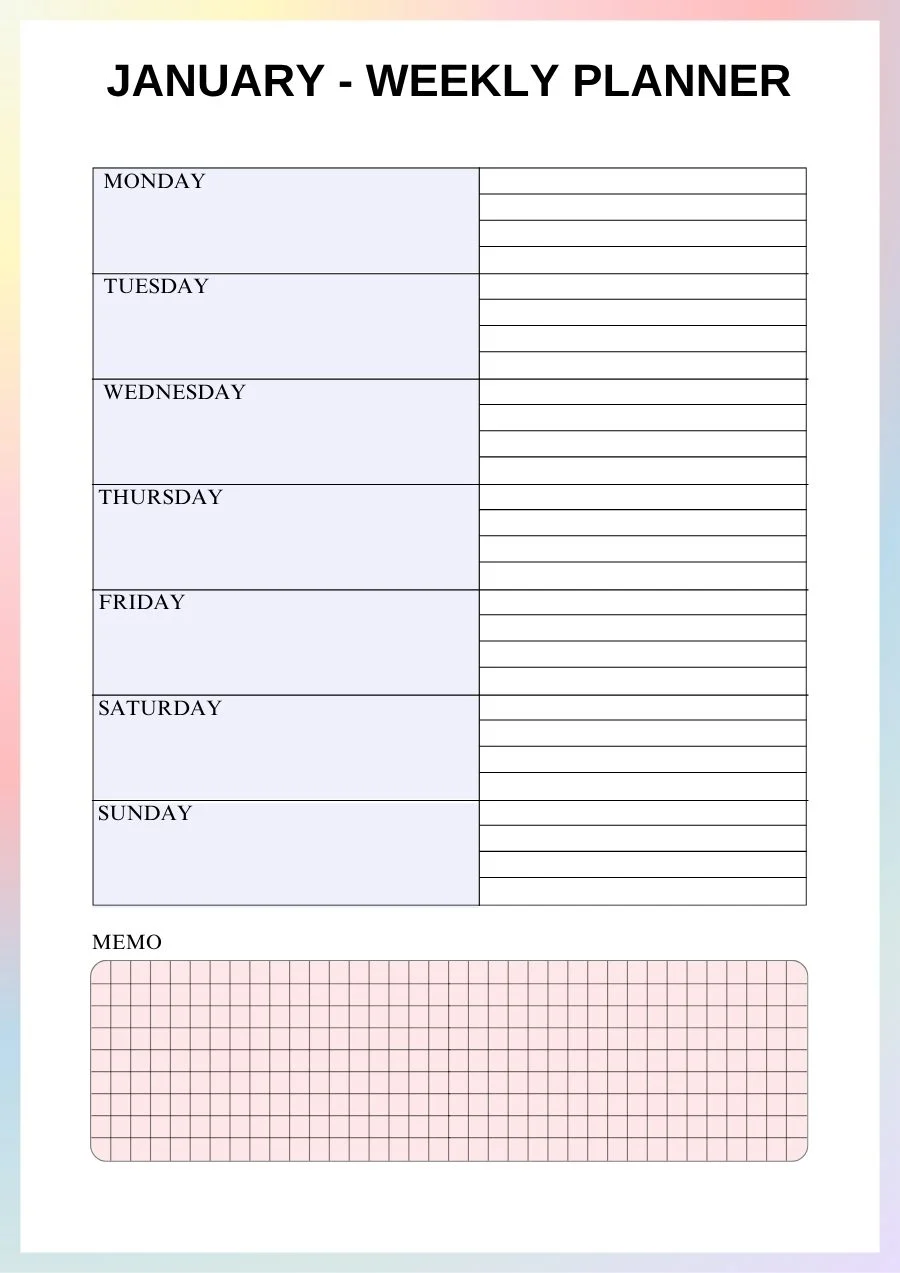
Use the memo box at the bottom for things that belong to the week but not to a specific day: a package to return, a message to answer, a form to print. It keeps your daily pages clean.
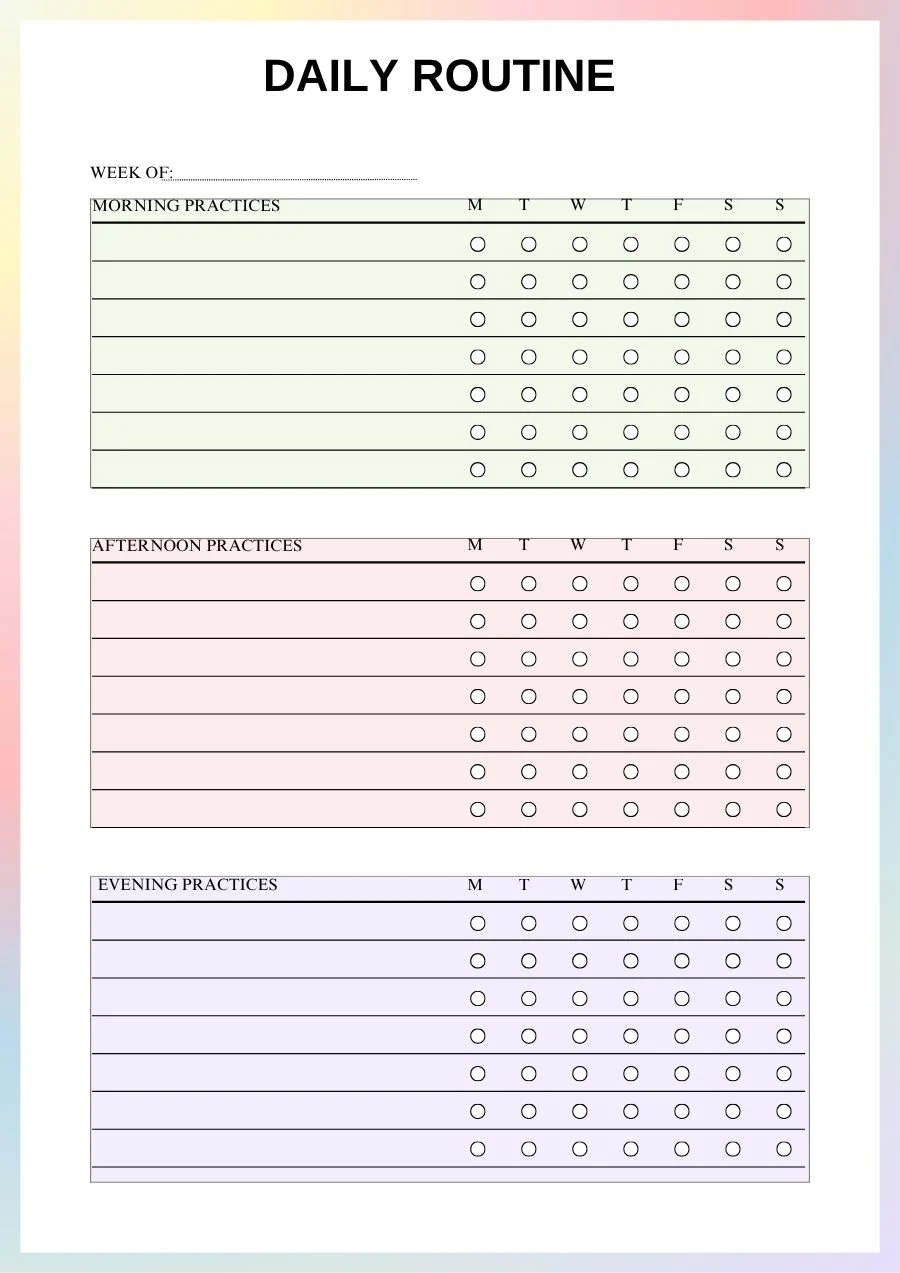
The week is also the right scale for routines. Pick two or three small practices for the morning (water, meds or vitamins if you take them, plan the day), the afternoon and the evening (lay out clothes, charge the phone outside the bedroom), and tick them day by day. Routines remove decisions, and fewer decisions means more energy left for what matters.
Tip: if you miss a weekly planning session, do not try to fill in the past. Start from today and plan the days that are left. The planner exists to help you, not to keep a perfect record.
Step 5: The daily page: one focus, three priorities, time blocks
This is the page that makes the biggest difference. A good ADHD daily planner page answers three questions in under five minutes: what matters most today, what am I actually focusing on, and when will I do it?
- Today’s priorities: three at most. If you finish them, the day is a success, whatever else happens.
- Today’s focus: one word or one sentence that sets the tone (“finish the report”, “rest”, “admin morning”).
- To do: the small tasks, with a circle to tick. Keep it short.
- Schedule: an hour-by-hour column from early morning to night.
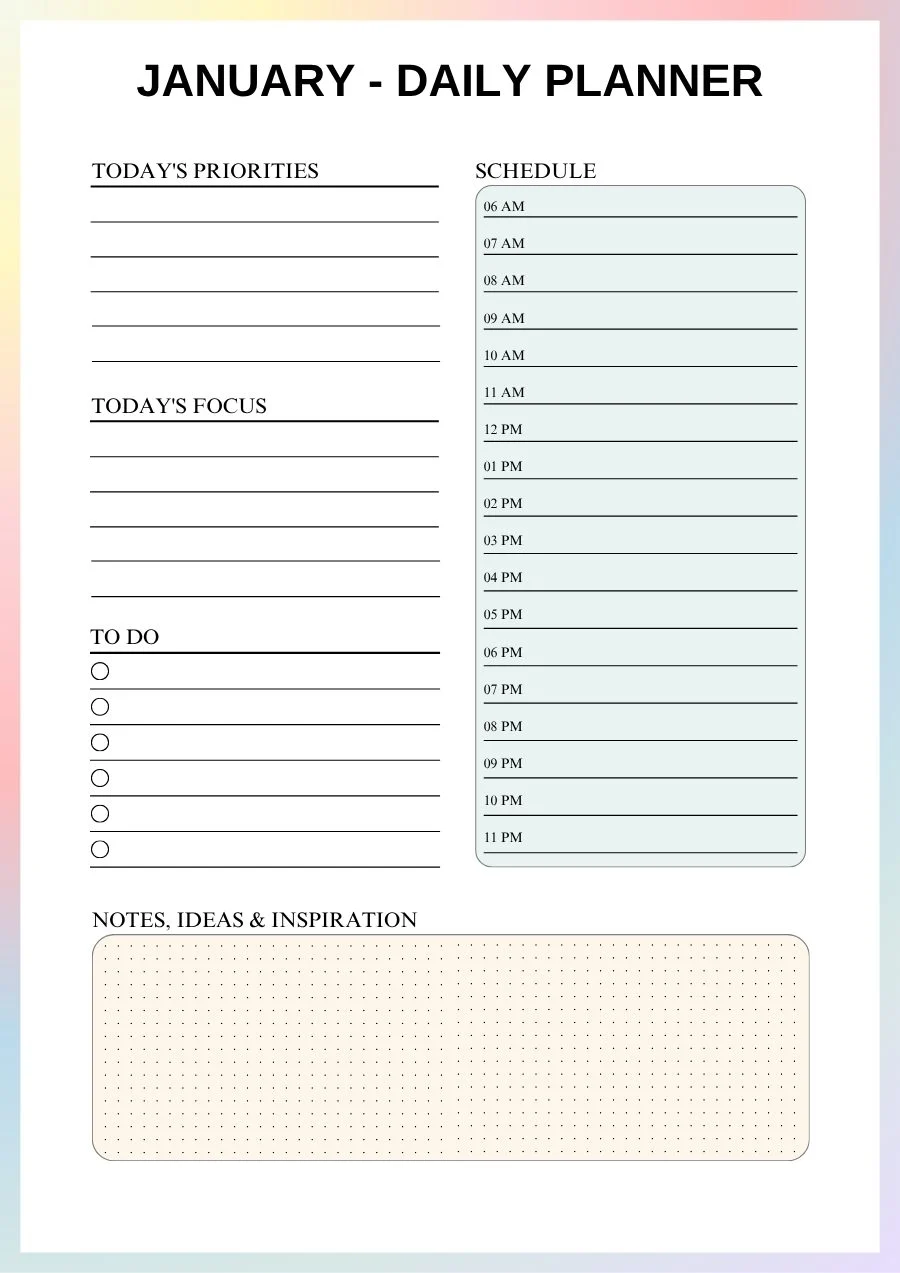
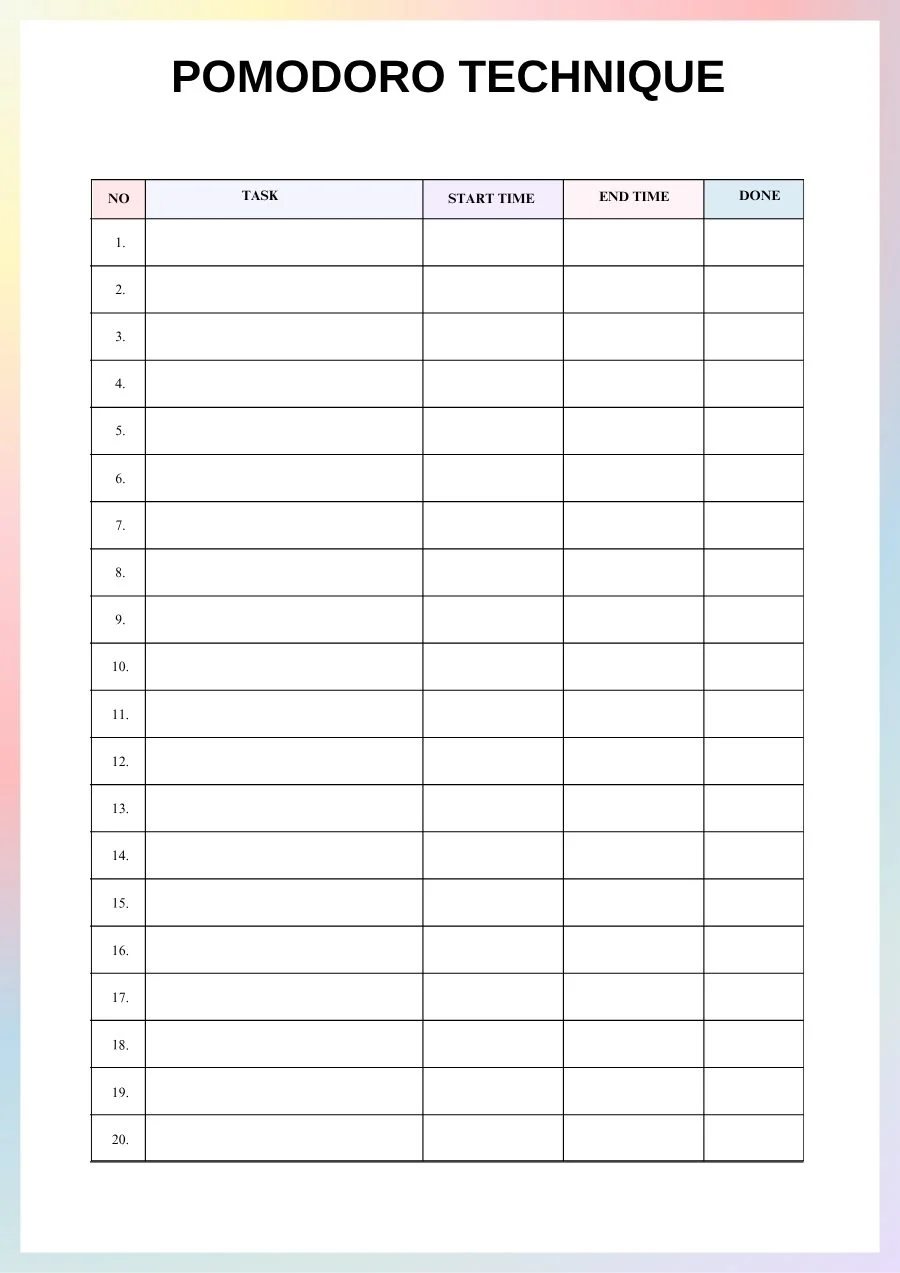
The hourly column is where time blocking comes in. Instead of a list of tasks with no time attached, give each priority a block on the schedule: “10 to 11 AM: report, first draft”. Seeing the task sitting in a real hour helps with time blindness and makes it easier to start. A few rules that help:
- Block half of what you think you can do. You will be interrupted.
- Add a 15-minute buffer after each block.
- Put the hardest priority in your best energy window, whether that is 9 AM or 4 PM.
- Use the “Notes, ideas & inspiration” area to park distractions instead of acting on them.
When a block feels too big to start, split it with the Pomodoro technique: 25 minutes of focus, then a 5-minute break, and a longer break after four rounds. Log each sprint (task, start time, end time, done). The timer creates gentle urgency, the break is a built-in reward, and the log shows you how much you actually did, which is often more than it felt like.
Want this system on your tablet?The Everything Planner 2027 gives you 365 dated daily pages with your top three tasks and an hourly schedule, plus 53 weekly pages, all hyperlinked so any page is two taps away. No flipping, no losing your place.
Step 6: Track habits and mood without the pressure
Trackers are powerful for ADHD brains because they make progress visible. They also become a source of guilt when a row of empty boxes stares back at you. Keep them light:
- Track three habits at most, and make them tiny: “take meds”, “10-minute walk”, “phone out of the bedroom”.
- Tick boxes as soon as you do the habit. An empty box is information, not a failure.
- Use a mood tracker with one color per day. After a month or two, patterns appear: poor sleep before bad days, better mood on days with movement.
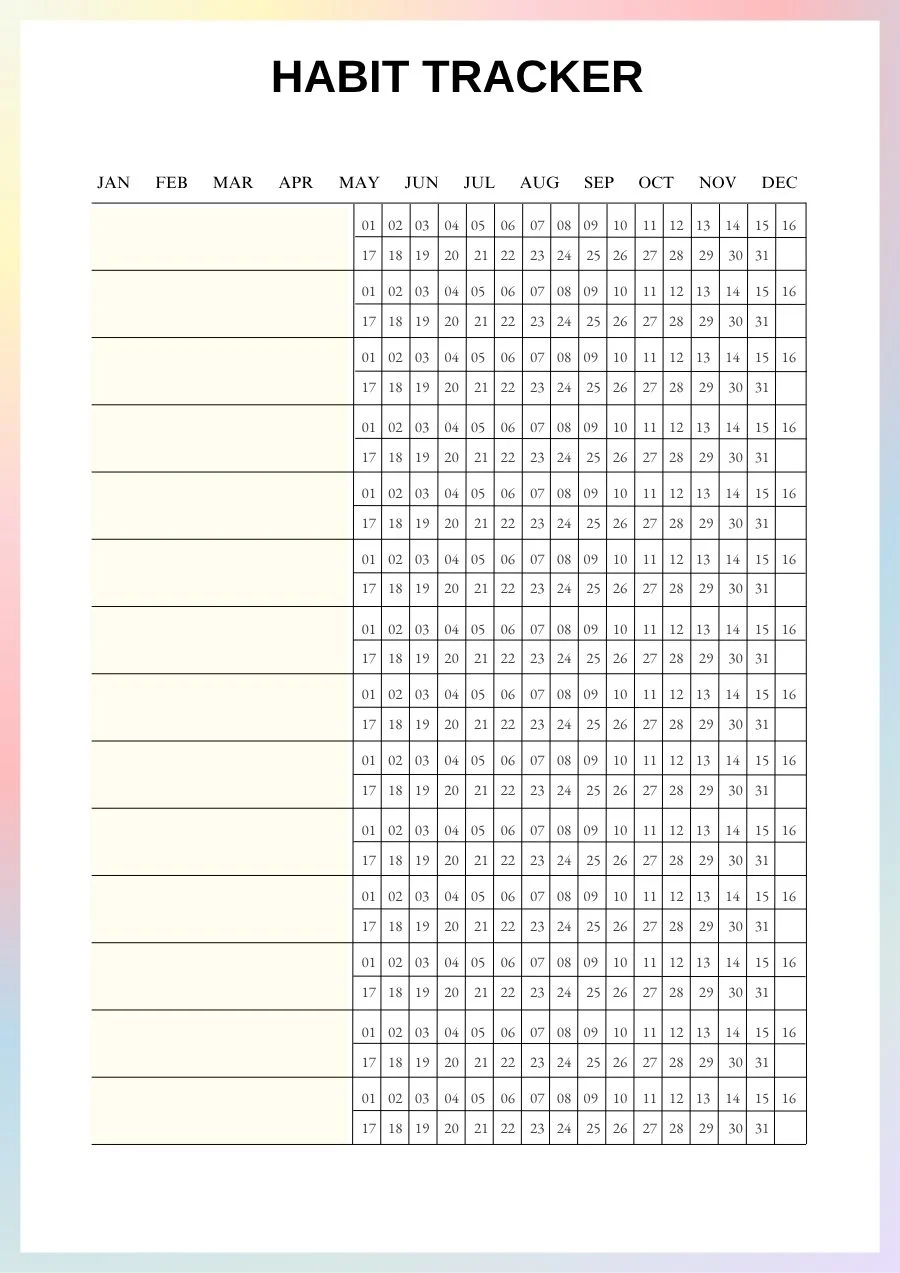
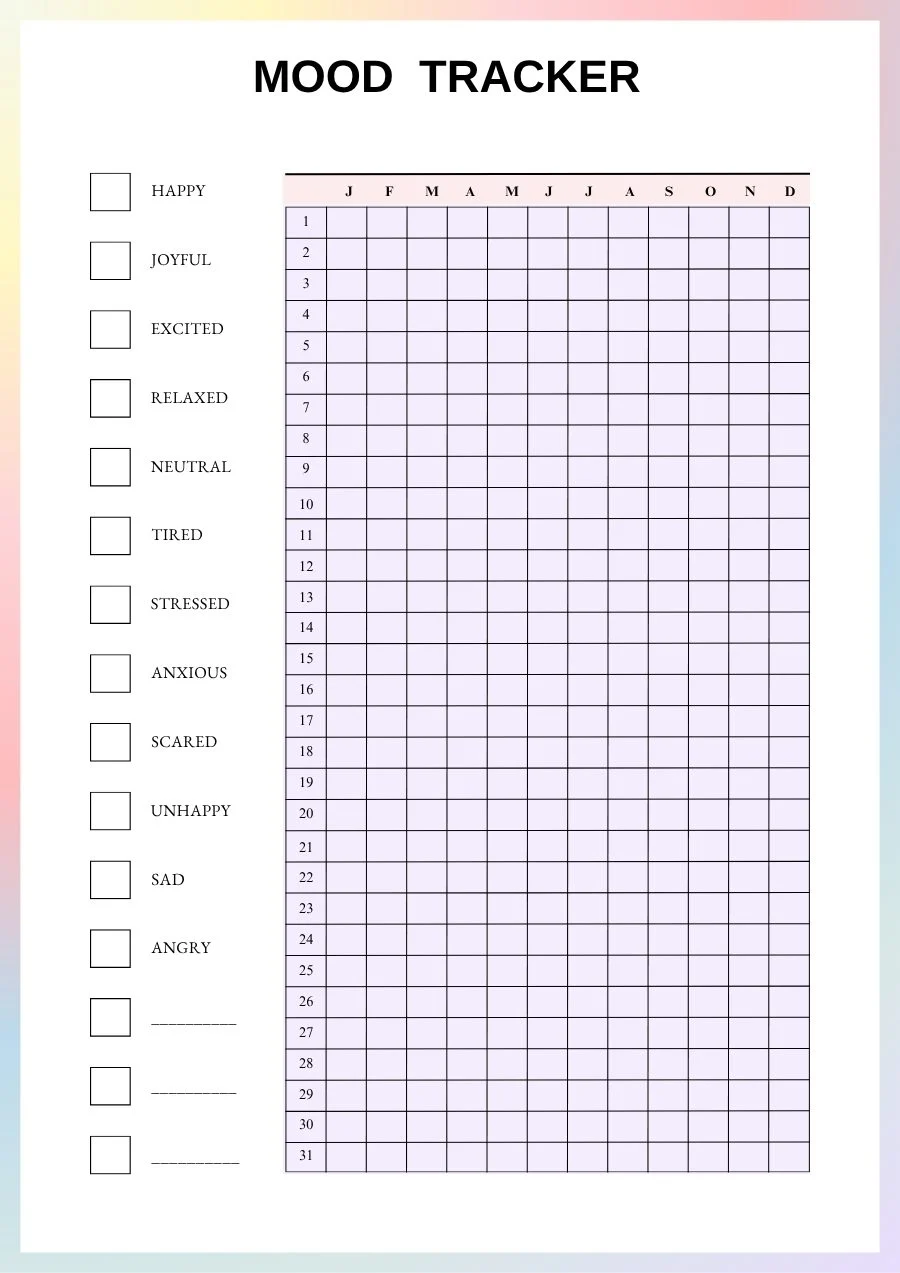
If you share your trackers with a doctor or therapist, they can make appointments more concrete: instead of “I think it has been a bad month”, you have a picture of the month.
Step 7: Put bills and subscriptions on paper
Late fees, forgotten renewals and subscriptions you never use are sometimes called the “ADHD tax”. The fix is not willpower but visibility. Two simple pages cover most of it:
- A bill tracker: every recurring bill with its due date and amount, and a box to tick for each month once it is paid.
- A subscription log: every subscription, whether it is monthly or annual, its price and whether it renews automatically.
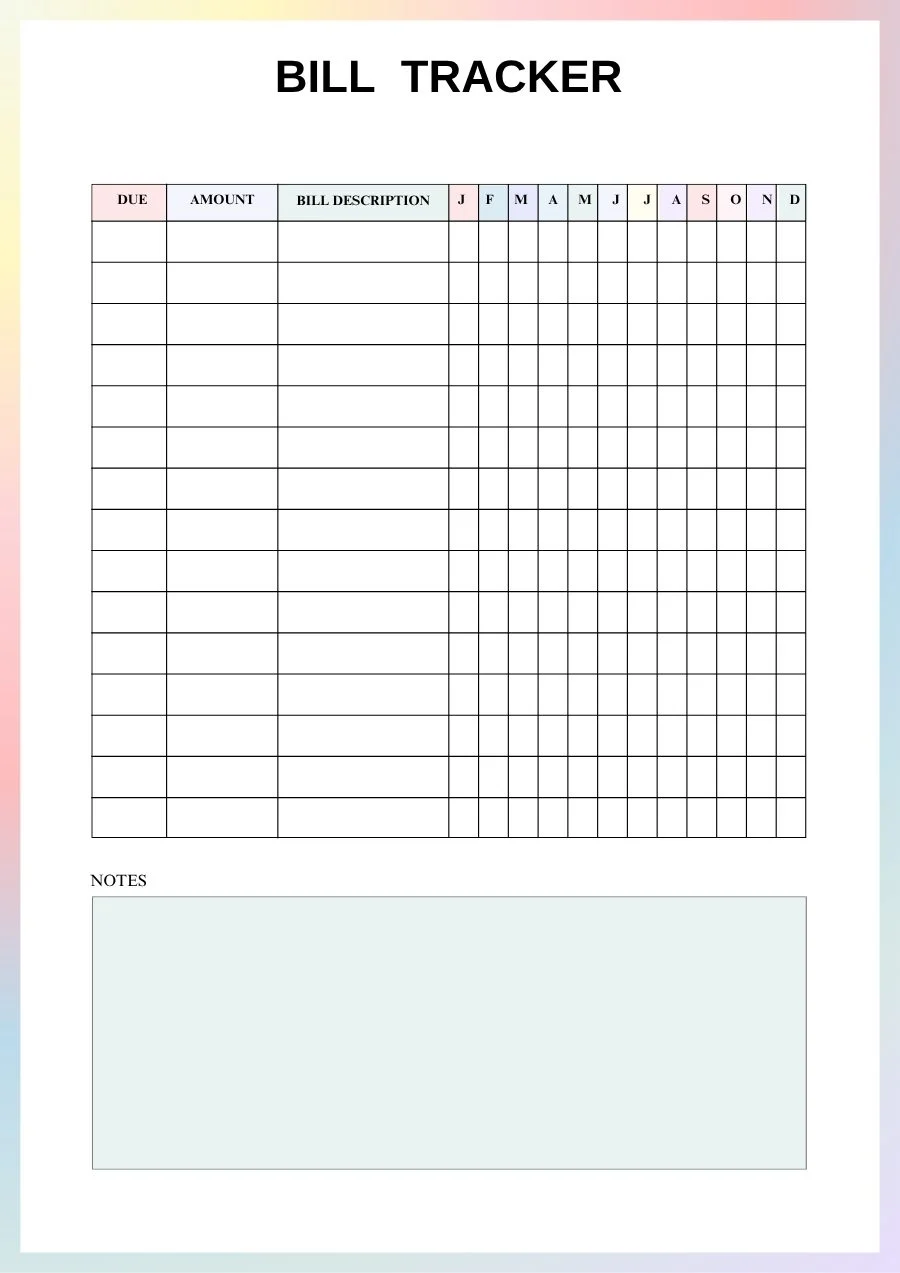
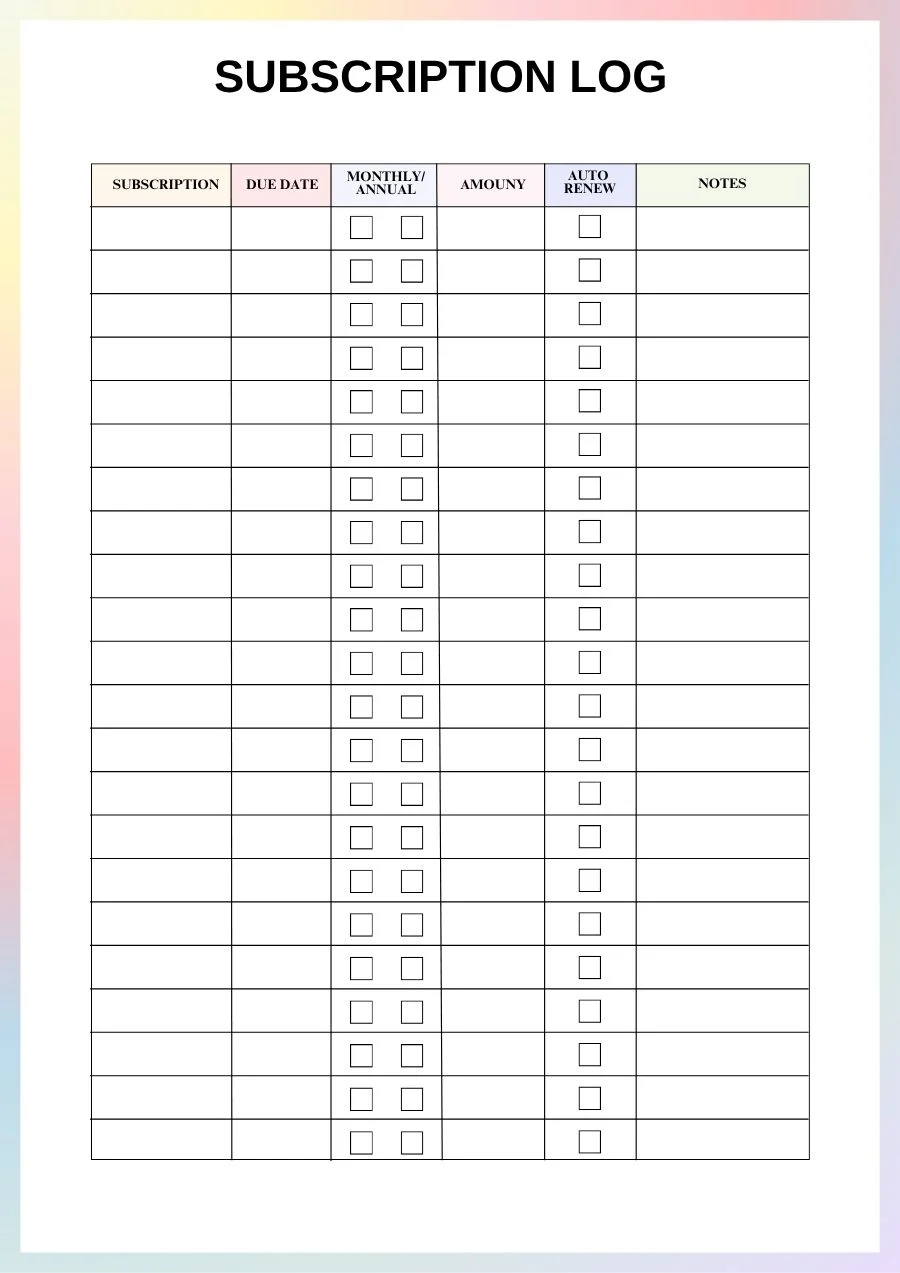
Quick win: open your banking app, list every recurring payment you can see, and cancel one you no longer use today. Then set up automatic payments for the bills that allow it, and add the remaining due dates to your year page. For a complete method, see our step-by-step guide on how to make a budget that actually works, with sinking funds, debt payoff and a free budget planner.
Step 8: Reset every month with a reflection page
The monthly reflection is what turns a planner from a to-do list into a system that improves over time. It is also the step most people skip, which is a shame, because it is the one that removes guilt: instead of “I failed again”, you ask “what worked, and what will I change?”
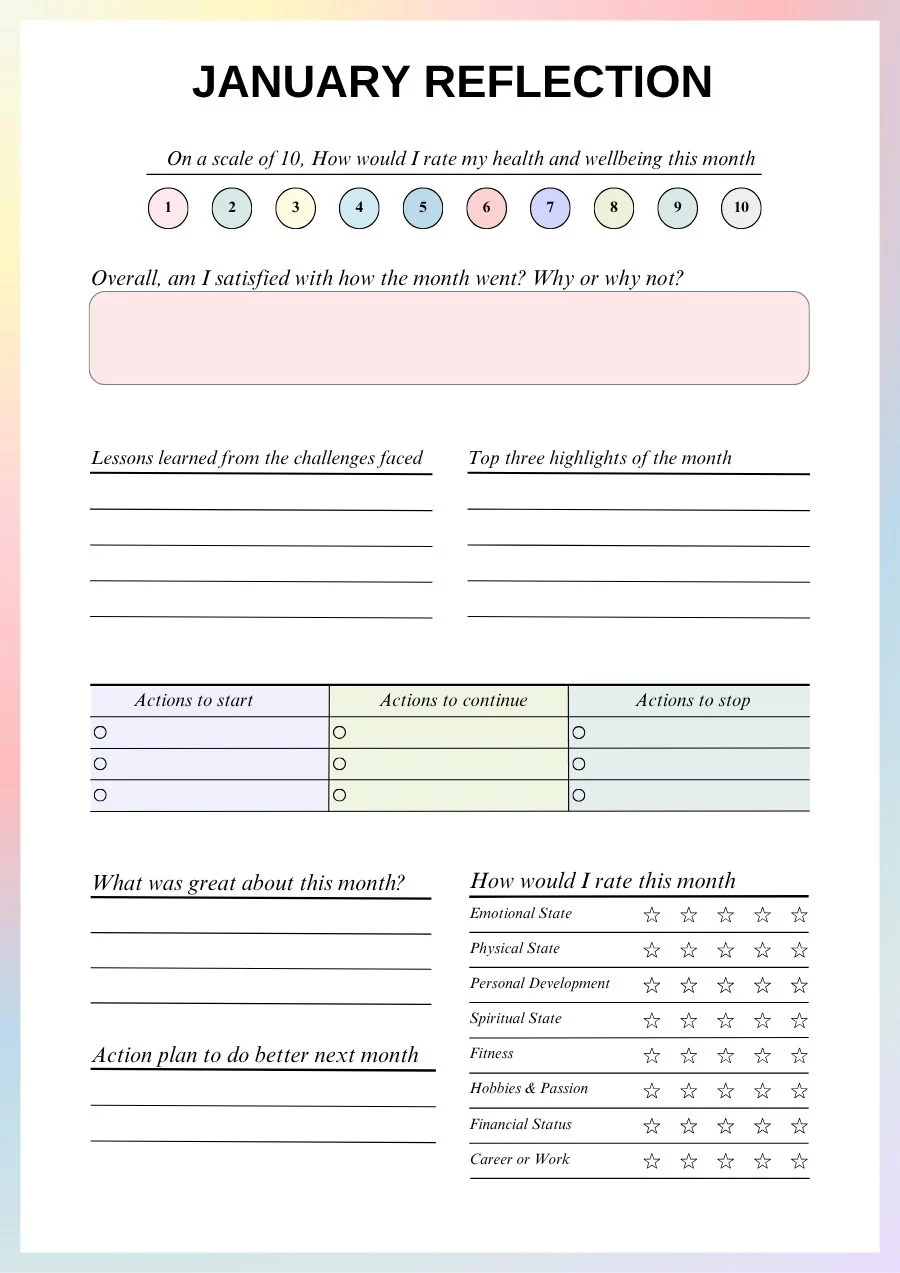
Take 15 minutes at the end of each month and answer a few questions:
- How would I rate this month, from 1 to 10? A quick number is easier than a long journal entry.
- Top three highlights: things that went well, however small.
- Lessons from the challenges: what got in the way, without judgment.
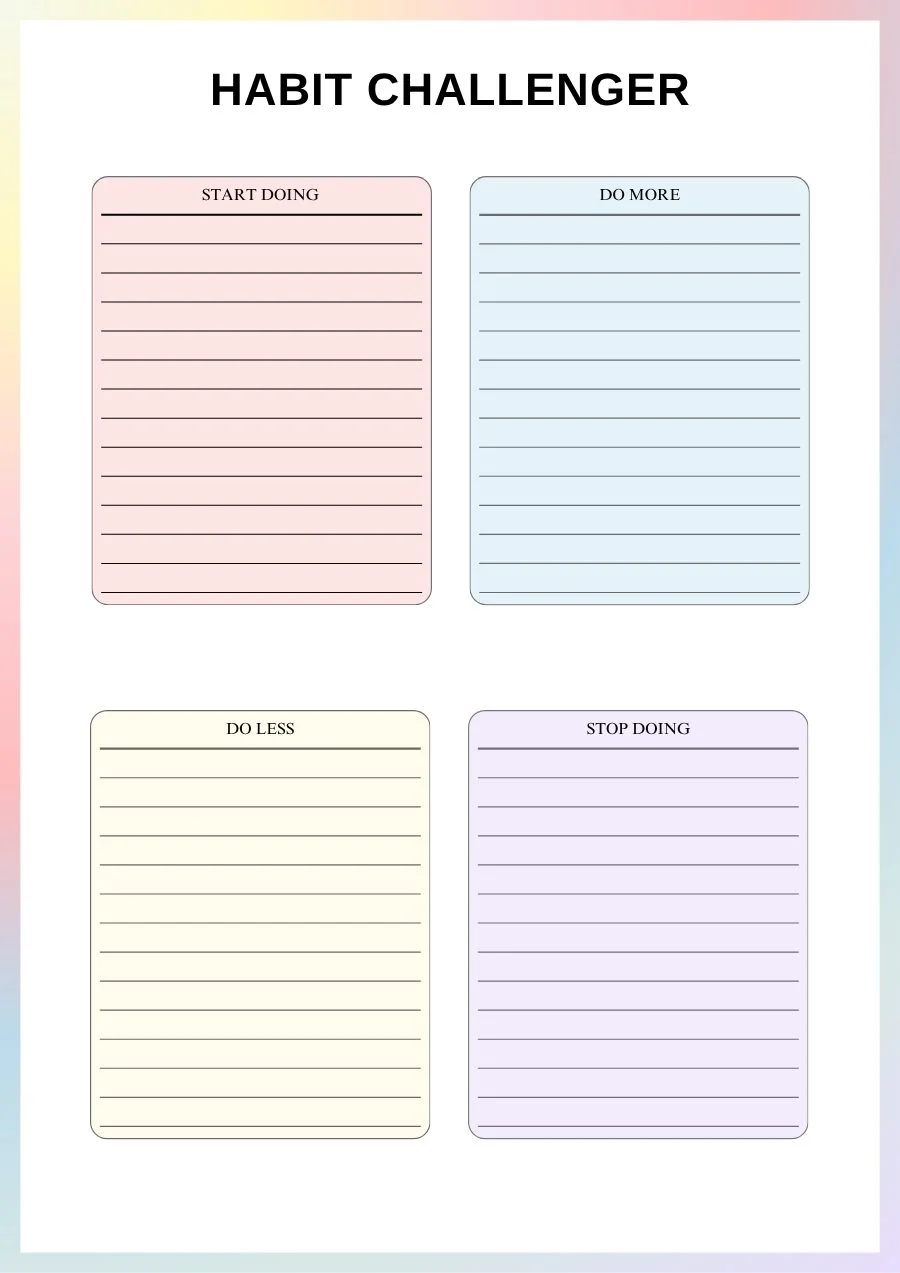
- Actions to start, continue and stop: the most useful table in the whole planner. Keep one line in each column. A habit challenger page (start doing, do more, do less, stop doing) works the same way for your habits.
- Life areas: a star rating for energy, health, work, finances or hobbies shows where you need more attention next month.
Then open next month’s page and choose your five priorities with those answers in front of you. That is the full loop: plan, do, reflect, adjust.
Your 10-minute daily ADHD planner routine
Here is the whole method in one simple routine you can start tomorrow:
- Morning (5 minutes): open the dashboard, move anything urgent to today’s page, choose one focus and three priorities, block them on the schedule.
- During the day: park every distraction in “Quick notes” or “Notes, ideas & inspiration”.
- Evening (5 minutes): tick what is done and your habit boxes, color your mood, move what is not done to tomorrow or back to the dashboard, and close the planner.
- Once a week (10 minutes): plan the week loosely and leave white space.
- Once a month (15 minutes): check bills and subscriptions (or turn it into a full monthly money date), fill in the reflection page, then choose five new priorities.
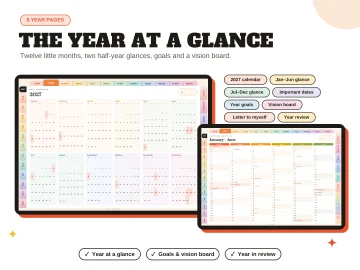
Plan your whole 2027 in one place.The Everything Planner 2027 combines year, month, week and day pages with trackers for habits, mood and sleep, plus a monthly review. 801 hyperlinked pages for GoodNotes, Notability and Android tablets.
Frequently asked questions
What makes a planner good for ADHD?
A good ADHD planner has fewer boxes and more structure: one place to capture everything, short priority lists, visible time (year, month and hourly views) and regular resets. It should take minutes to use, not an hour, and it should still work after you skip a few days.
Is a paper or digital ADHD planner better?
Both work, and it depends on how you use them. Paper is harder to ignore when it sits open on your desk, and writing by hand helps many people remember. A digital planner on a tablet is always with you and cannot be lost under a pile of papers. Some people use a printable planner at home and a digital one on the go.
How do I stick to a planner with ADHD?
Make it easy and forgiving. Keep it visible, use it at the same two moments every day (morning and evening), limit yourself to three daily priorities and never “catch up” on missed pages. Just start again from today. A monthly reflection helps you adjust the system instead of giving up on it.
What is time blocking, and does it help with ADHD?
Time blocking means giving each task a specific slot in your day instead of keeping it on an open-ended list. For many people with ADHD it helps because it makes time visible and reduces the “where do I start?” moment. Keep blocks short, add buffers and plan less than you think you can do.
Ready to try the method? Download the free printable ADHD planner and fill in your dashboard today.

2 comments